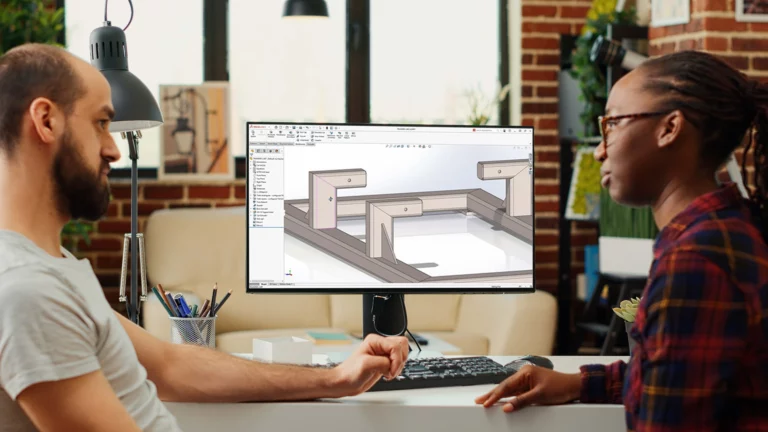
What’s New in SOLIDWORKS 2026 Parts, Sketching, Sheet Metal, and Weldments?
SOLIDWORKS 2026 sharpens the tools you use every day – Picture to Sketch, relation groups, flexible base flange starting conditions, editable bend radii on imported parts, and better multibody selection.
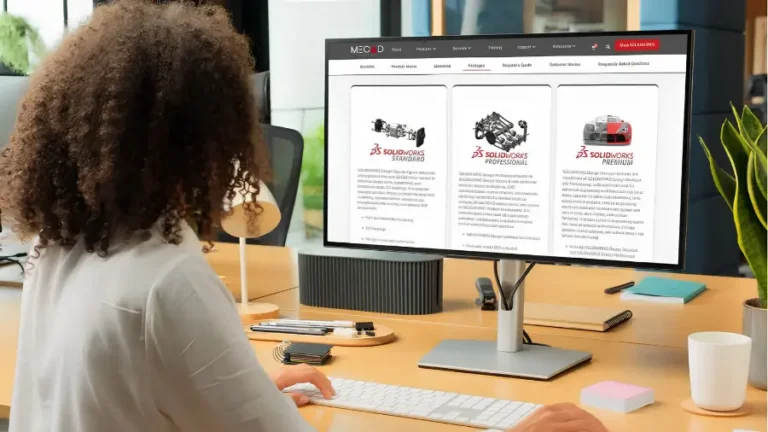
Discover why buying SOLIDWORKS from MECAD Systems ensures better support, customised licensing, and local expertise, providing unmatched value and a superior user experience.
Explore the key features and benefits of SolidWorks, including efficiency, accuracy, cost savings, and a vibrant user community supporting 3D CAD design.
3DEXPERIENCE Cloud Services: Save time with Share and Markup
7 min read
3DEXPERIENCE Cloud Services simplifies CAD design sharing and collaboration. Share files with one click, and get feedback and markup through any web browser, without special software.
SOLIDWORKS training at MECAD offers comprehensive courses from Essentials to Advanced and specialised training, ensuring optimal design efficiency and productivity in your business.
Optimise Injection Molding with SOLIDWORKS Plastics
5 min read
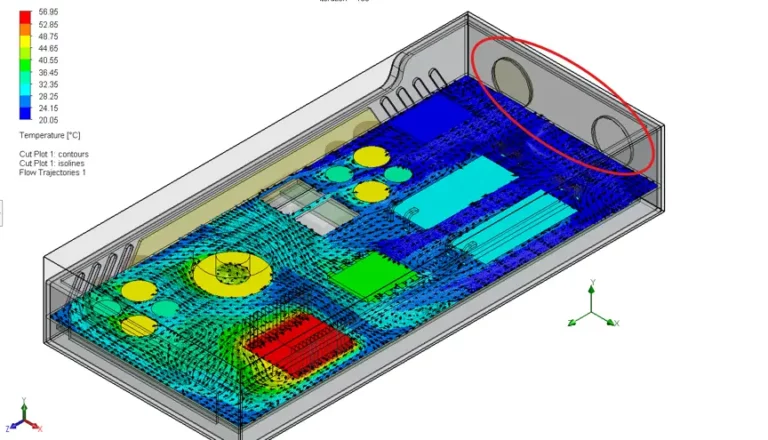
Optimise injection molding with SOLIDWORKS Plastics. Improve quality, reduce costs, and gain a competitive edge. Learn from ECCO and Ambix case studies.
Maximise your team’s potential with our SOLIDWORKS Training Assessment
5 min read
Maximise your team's potential with our SOLIDWORKS Training Assessment. Give your team personalised training to boost their productivity and proficiency.
Getting started with SOLIDWORKS: The ultimate beginner’s guide
14 min read
Learn how to install, set up, and start using SOLIDWORKS with our beginner's guide. From installation steps to essential tutorials, explore MECAD Systems' comprehensive training courses.
Top 6 Reasons to Choose our 3DEXPERIENCE SOLIDWORKS Premium Offer
6 min read
Discover the 3DEXPERIENCE SOLIDWORKS Premium Offer with six roles for design, simulation, and collaboration. Streamline your CAD projects with advanced tools and cloud-based services.
SIMULIA provides powerful simulation tools to help engineers master electromagnetics, streamline designs, and ensure regulatory compliance. Unlock innovation with advanced simulation capabilities and cloud computing.
Explore six surprising virtual testing applications using SIMULIA. From gear lubrication to bird strikes, see how simulations enhance design efficiency and safety.
Activate DriveWorksXpress in SOLIDWORKS with our easy guide. Obtain your activation key, enter it in SOLIDWORKS, and start exploring design control and sample projects today.
Hidden tools to boost your productivity in SOLIDWORKS
7 min read
Boost productivity in SOLIDWORKS with hidden tools like Mouse Gestures, the 'S' Key shortcut bar, and the customisable Heads-Up Toolbar for efficient modeling.
3DEXPERIENCE boosts efficiency for MAN Energy Solutionscoffee machines with SOLIDWORKS
5 min read
Learn how MAN Energy Solutions uses 3DEXPERIENCE to boost collaboration, manage data efficiently, and drive future growth with scalable, adaptable solutions.
Explore how Henlo revolutionised espresso machines with SOLIDWORKS, creating customisable, efficient designs that enhance the coffee experience. Learn about their journey and future innovations.
How Karis Uses 3DEXPERIENCE Works to Accelerate Medical Device Development
5 min read
Karis improved medical device development with 3DEXPERIENCE Works, cutting design time by 15% and reducing costs by 7% while enhancing security and collaboration.