Why individuals often ask if they can buy SOLIDWORKS directly.
The short answer and what it includes.
Explaining term and annual licenses.
Understanding how licenses differ.
Local purchase, training, and support.
Education and non-commercial options.
The best way to buy SOLIDWORKS for yourself in South Africa.
Whether you’re a freelance designer, product developer, or small business owner, one of the most common questions we hear is: “Can I buy SOLIDWORKS for myself?”
The short answer? Yes, you can.
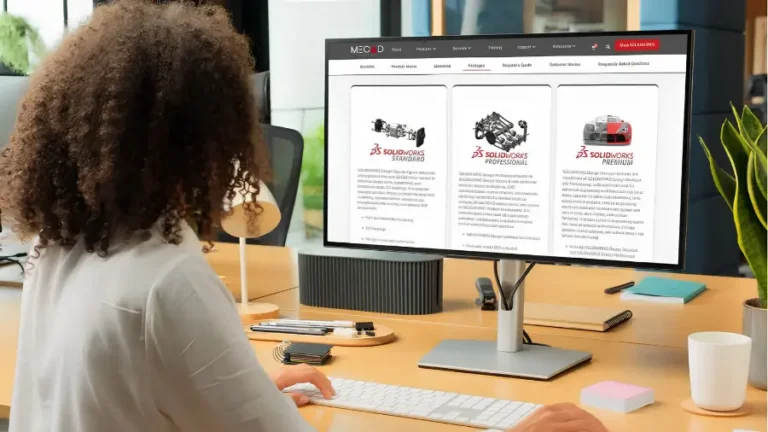
SOLIDWORKS is available for individual purchase, and MECAD Systems makes it easy through our online SOLIDWORKS Shop.
As an authorised SOLIDWORKS reseller in South Africa, we provide flexible, affordable licenses for individuals and growing teams, complete with local support and training to help you get started.
Yes, anyone can buy a SOLIDWORKS licence for personal or professional use through MECAD Systems. You don’t need to own a company or work for a large organisation.
Many freelancers, consultants, and start-up founders use SOLIDWORKS for product design, prototyping, and client projects.
Through our online store, you’ll find transparent pricing and flexible terms, from short 3-month projects to full annual licences.
When buying SOLIDWORKS for yourself, you can choose from two convenient licence options:
Perfect for short projects or contractors who prefer flexibility.
You’ll get full access to the software’s 3D CAD features, cloud services, and updates during your term – with no long-term commitment.
Best for ongoing work, training, and support.
An annual licence includes access to cloud collaboration tools, software updates, and MECAD’s Enhanced Subscription benefits, which provide local technical assistance, training credits, and added productivity tools.
If you require different configurations (such as perpetual, network, or multi-user licenses), our sales team can help tailor a solution to your individual or business needs.
The SOLIDWORKS software you buy for yourself is the same professional version used by engineering firms, manufacturers, and design teams worldwide. The difference lies only in licensing structure and support setup.
As a single user, your licence gives you full control over your projects and access to the same modelling, drawing, and simulation tools as enterprise clients.
For professionals offering design services to clients, your individual licence is fully commercial – you can legally use SOLIDWORKS to design, produce, and sell your work.
Buying through MECAD gives you more than just a licence, you get a local partner invested in your success.
Our South African engineers offer personalised assistance, from setup to troubleshooting.
Annual licences include MECAD’s Enhanced Subscription: SolidProfessor online training, R3 000 training credits, and Ask-an-Expert sessions.
All pricing is displayed in rand, with no international conversions or hidden costs.
Scale up when you need more seats, pause between projects, or upgrade to annual when ready.
If you’re not using SOLIDWORKS commercially, there are specialised versions available:
These alternatives provide many of the same tools as the professional version but are restricted for non-commercial use.
For commercial or freelance work, however, you’ll need a standard or premium license from an authorised reseller like MECAD Systems.
You can purchase directly through our SOLIDWORKS Shop in just a few steps:
Alternatively, if you’d like advice before purchasing, our sales engineers can help you choose the right licence type and assist with setup or training recommendations.
So, can you buy SOLIDWORKS for yourself? Absolutely.
Through MECAD Systems, individuals can access the same industry-leading 3D CAD tools used by top engineers, backed by local support, flexible licensing, and training to help you succeed.
Whether you’re freelancing, starting a new venture, or simply passionate about design, SOLIDWORKS is available to you today.
Visit our SOLIDWORKS Store or contact our team to find the perfect license for your needs.
Share this post: