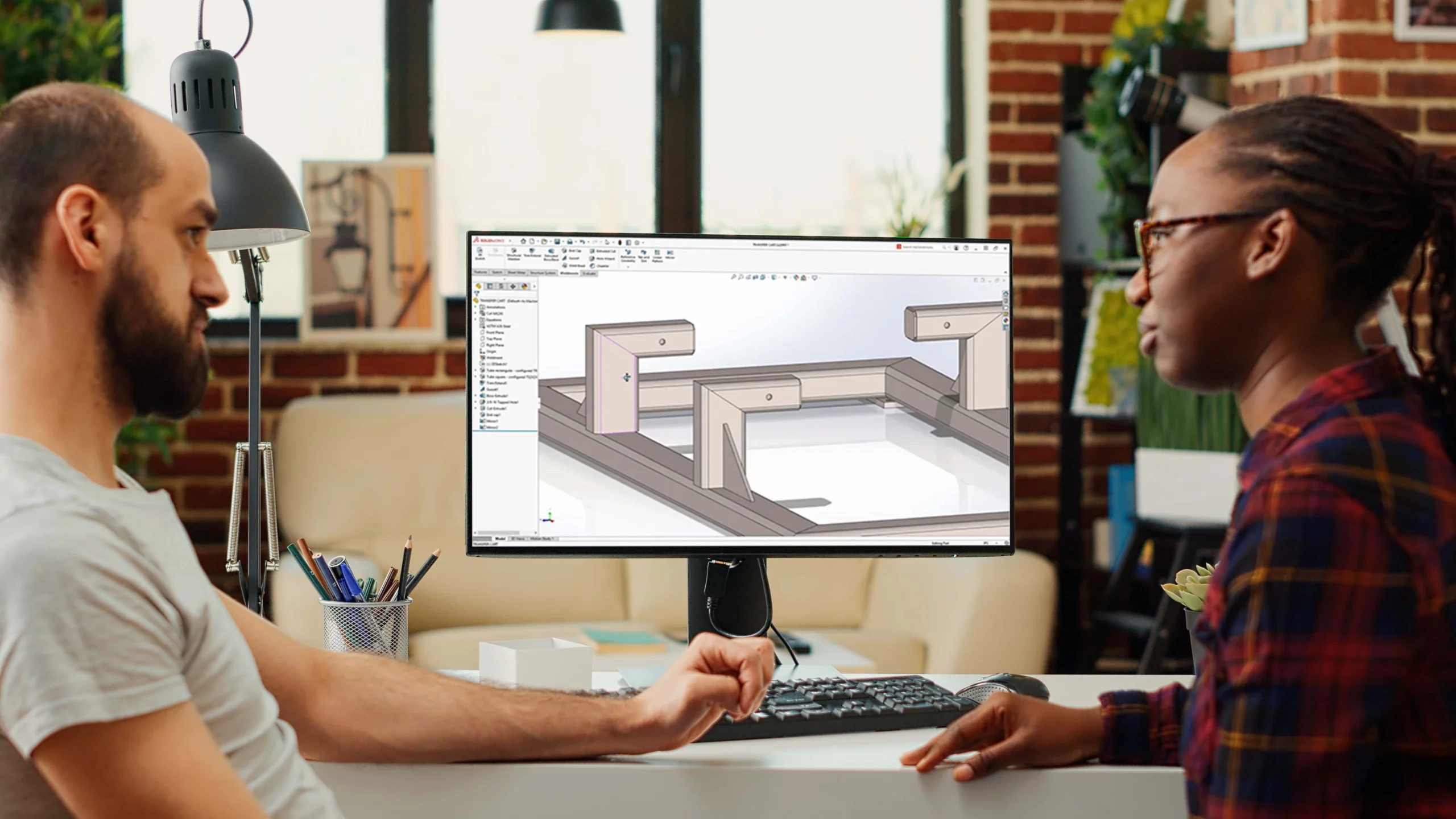
SOLIDWORKS 2026 improves the day-to-day modelling tools that users rely on most, making common design tasks faster and easier to manage.
SOLIDWORKS 2026 adds Picture to Sketch (Beta), slot length display from arc centre to arc centre, relation groups, reference points by XYZ values, multibody selection tools, and coordinate-system bounding boxes.
SOLIDWORKS 2026 adds more flexibility to base flange creation and lets users change bend radii for existing bends when using Convert to Sheet Metal on imported parts.
The release adds Select Bodies By Size and Select Bodies By Volume for multibody parts, plus better structure system UI feedback, cut-list property access from File Properties, and enhanced corner treatments.
These are not just feature-list improvements. They help users work with fewer workarounds, better control, and less wasted time.

MECAD Systems
Some SOLIDWORKS updates make headlines because they introduce something dramatic, such as AI-driven tools or major collaboration features. Those are important, but many users know that the real value of a new release often comes from the smaller day-to-day improvements. When sketching is faster, part creation is cleaner, and fabrication tools give better control, the whole design process becomes easier to manage.
That is exactly where SOLIDWORKS 2026 stands out. This release includes several improvements across sketching, parts, sheet metal, and weldments that are clearly aimed at everyday productivity. The focus is not on flashy changes for the sake of novelty. Instead, the update helps users work with fewer workarounds, less repetitive setup, and more direct control over the geometry they are building.
For experienced users, that means a smoother workflow. For students and newer SOLIDWORKS users, it means the software becomes easier to understand because more tools behave in a simpler and more predictable way.
Part modelling is the foundation of most SOLIDWORKS work. Before a product becomes an assembly, a drawing, or a released design, it usually begins as sketches, features, reference geometry, and design intent. That is why even modest changes in these areas can have a large effect over time.
SOLIDWORKS 2026 brings faster sketching, enhanced sheet metal tools, stronger multibody selection, and more practical structure system improvements that save time, reduce manual effort, and improve control across the broader design workflow.
In practice, that means users should spend less time wrestling with setup and more time focusing on the design itself.
One of the clearest sketching updates in SOLIDWORKS 2026 is Picture to Sketch (Beta), which can automatically convert images to sketch entities. This gives users a more direct way to begin building sketch geometry from image-based references, while still allowing the result to be reviewed before it is used in production work.
The sketching updates also include slot length display from arc centre to arc centre and Relation Groups, where multiple sketch entities can be managed as a single relation group. This applies to relation types such as Parallel, Equal, Collinear, and Coradial.
Together, these changes make early-stage sketch work more flexible and easier to control. Because Picture to Sketch is a Beta feature, users should still review the resulting sketch entities carefully before relying on them in production work.
SOLIDWORKS 2026 also adds useful improvements in the broader parts and features workflow. These include creating reference points by XYZ values, selecting bodies and features of multibody parts, and using a coordinate system to define a bounding box.
These changes are valuable because they improve precision and control in areas where users often rely on extra steps or workaround methods. A reference point created by exact XYZ values gives cleaner control when positioning geometry or preparing downstream features. Better body and feature selection in multibody parts helps users isolate what they need faster, which is especially useful in denser or imported models.
The option to define a bounding box from a coordinate system can also make model control more practical in situations where orientation matters.
Sketching improvements also include Slot Dimensions, where users can display slot length from arc centre to arc centre, and Relation Groups, where multiple sketch entities can be managed as a single relation group. The Sketching chapter also includes Picture to Sketch (Beta) for converting images into sketch entities.
This is one of the strengths of the SOLIDWORKS 2026 release. It improves the kinds of tools that often sit quietly in the background of a design workflow, yet make a real difference when used every day.
Multibody part design can become difficult quite quickly, especially when files are large or imported from outside sources.
SOLIDWORKS 2026 addresses some of that complexity with new multibody selection tools. The official guide documents Select Bodies By Size and Select Bodies By Volume, which let users isolate discrete bodies and features of multibody parts. These tools help users hide, add, delete, or suppress nonessential geometry more quickly, which can improve performance and make dense or imported models easier to work with.
This matters because multibody work can easily become cluttered. When users are forced to click through bodies one by one or manually search for relevant geometry, the process slows down and errors become easier to make. Better selection control improves both speed and confidence in large or imported models.
For teams working with castings, imported supplier models, concept layouts, or fabrication-oriented designs, this kind of improvement can be especially valuable.
Other documented parts-and-features updates in SOLIDWORKS 2026 include Automatic Geometry Pattern Activation for certain fill, table-driven, and sketch-driven patterns that use a cut extrude or hole as the seed feature. The release also adds Forcing Conversion to Standard BREP for unrecognised mesh faces, Segmentation Guidelines to help create segmented mesh faces for BREP conversion, and the ability to press Esc to cancel lengthy Linear Pattern, Circular Pattern, Fillet, and Chamfer processes.
One of the clearest sheet metal improvements in SOLIDWORKS 2026 is Base Flange Starting Conditions. In the Base Flange PropertyManager, the From control lets users start the base flange from the sketch plane, a planar surface, face or plane, a selected vertex, or an offset from the sketch plane.
That gives users more flexibility when defining where the sheet metal feature begins, with cleaner setup and better control over manufacturing intent.
For sheet metal users, that is exactly the kind of update that can make a new release worthwhile.
SOLIDWORKS 2026 also lets users change bend radii for existing bends when using Convert to Sheet Metal with imported parts. The official guide notes that this applies to cylindrical bends connected by faces on both ends, and that if the new radii create intersecting bends, SOLIDWORKS can prompt users to add corner reliefs automatically.
This is especially useful for imported geometry, where users often need to refine the converted part after the initial conversion. It adds more practical control to the sheet metal workflow without forcing users into workaround-heavy edits.
In a broader sense, this update shows that SOLIDWORKS 2026 is not only improving the start of a sheet metal feature through base flange control. It is also improving how users handle existing bends in converted sheet metal parts.
SOLIDWORKS 2026 also includes useful updates for users working with weldments and structure system features. These include Structure System user-interface improvements that highlight folder members in the graphics area, improved Align Member behaviour for Support Plane Member and Between Points Member types, cut list property access from File Properties, and enhanced corner treatments.
The cut list update is especially practical. Users can now access cut list properties directly from File Properties, allowing selected cut list data to be linked more directly into the file property workflow.
That helps because cut list information is essential in many fabrication and manufacturing workflows. When it is easier to access and connect that information, the model becomes more useful downstream for documentation, BOM-related tasks, and production preparation.
Enhanced corner treatments also matter because users can now select the appropriate combination of trim type and trim order for a complex corner directly from the graphics area. When three or more members meet at a point, SOLIDWORKS displays output options in the graphics area, which makes complex corner resolution more visual and easier to manage.
What makes this group of SOLIDWORKS 2026 enhancements valuable is that they solve familiar design frustrations. Users do not need to change the way they think about CAD in order to benefit from them. The gains appear naturally inside existing workflows.
A faster sketching experience helps users get started quicker. Better part controls improve accuracy and reduce extra setup. Sheet metal updates remove workarounds and give clearer control. Multibody selection tools help users manage complexity more effectively. Weldment and cut list improvements strengthen fabrication workflows.
That is important because many successful SOLIDWORKS upgrades are not driven by a single dramatic feature. They are driven by a collection of practical improvements that save time quietly but consistently over the course of real engineering work.
For experienced users, the value of these updates lies in efficiency and control. They reduce the need for workaround techniques, make multibody and fabrication tasks easier to manage, and improve how part geometry is created and handled from the start.
For fabrication and sheet metal users, the update is even more direct. Base flange starting control, changing bend radii for existing bends, stronger cut list workflows, and enhanced corner-treatment control all support a cleaner path from design to production.
For students and newer SOLIDWORKS users, these updates help make the software feel more approachable. Instead of relying on hidden tricks or less intuitive methods, users can work with tools that behave in a more obvious and structured way. That makes learning easier and helps build confidence earlier in the design process.
One of the best things about this release is that it improves the areas users spend the most time in. Not every engineer will use every advanced module every day, but almost every SOLIDWORKS user works with sketches, parts, features, and some form of fabrication-aware modelling.
That is why these changes matter. They strengthen the foundation of the workflow. They help users move from sketch to feature, from part to fabrication logic, and from model data to usable downstream information with less effort and better control.
Rather than trying to impress users with complexity, SOLIDWORKS 2026 improves the modelling experience in a way that feels practical, steady, and genuinely useful.
SOLIDWORKS 2026 brings meaningful improvements to the day-to-day design workflow. Picture to Sketch (Beta), slot-dimension and relation-group updates, stronger part controls, better multibody selection, more flexible base flange creation, changing bend radii for existing bends, and more useful weldment and cut-list tools all contribute to a smoother modelling experience.
The value of these updates is not that they change everything overnight. The value is that they improve the core design workflow in the places where users spend the most time. That makes SOLIDWORKS 2026 a stronger release for both experienced professionals and newer users who want a cleaner, more manageable path through part and fabrication design.
If your team spends a lot of time building parts, working with multibody models, or creating sheet metal and weldment designs, these SOLIDWORKS 2026 improvements are well worth exploring.
Share this post: