Custom manufacturers spend hours copying files, updating dimensions, and generating BOMs for every new order, increasing the risk of errors and rework.
DriveWorks captures engineering knowledge as reusable rules that automatically generate accurate SOLIDWORKS models, drawings, and assemblies.
Rules-driven logic replaces manual checklists and spreadsheets, ensuring design standards are met at every stage.
Automated workflows reduce dependency on manual intervention, freeing engineering teams from repetitive design requests.
Manufacturers using DriveWorks have cut design times dramatically - Liftech reduced crane drawings from four days to under ten minutes.

MECAD Systems
Engineering teams in custom manufacturing spend a lot of time creating “same but different” designs. Manually updating dimensions, creating drawings, and checking documents for every new order is time-consuming, slows down design cycles, and increases the risk of errors and rework.
DriveWorks design automation solution for SOLIDWORKS® enables manufacturers to speed up designs, improve accuracy, and free engineers to focus on innovation rather than repetitive CAD tasks.
Manual engineering processes often involve:
As design volumes increase, so does the risk of errors. Even small errors can result in incorrect designs, additional engineering rework, and manufacturing delays.
When engineering teams spend large amounts of time reviewing and correcting designs, overall design output is reduced, and engineers have less time to work on higher-value design projects.
DriveWorks design automation captures engineering knowledge and uses it in rules-based design workflows. Instead of manually recreating designs for every order, engineers define the rules once. Those rules are then automatically applied whenever a new product configuration is generated. The result is a faster design process that significantly reduces the risk of human error.
DriveWorks enables manufacturers of custom products to:
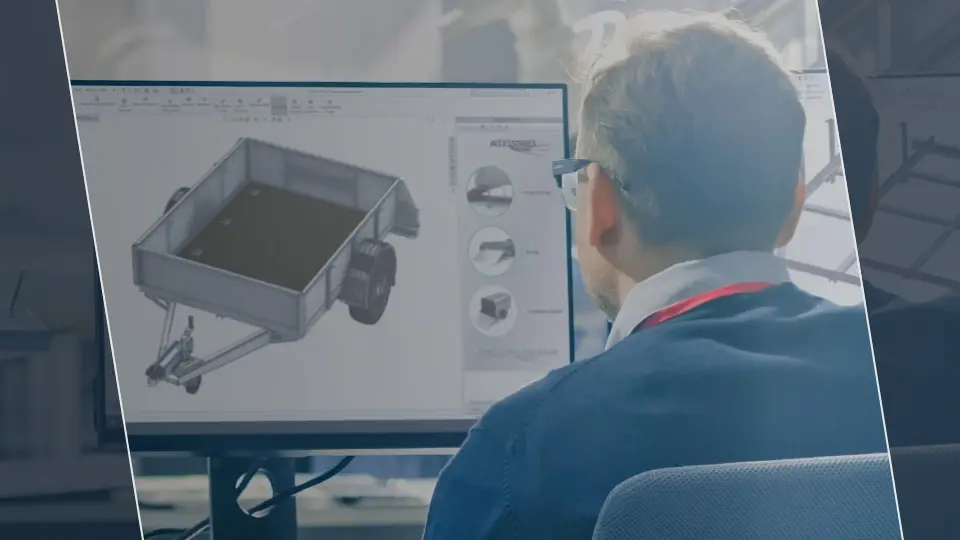
Engineering rules are the logic behind how products are designed and configured. They often represent many years of engineering experience.
DriveWorks saves engineering knowledge as reusable rules, ensuring consistency and reducing reliance on individual expertise. This means taking knowledge from spreadsheets, emails, product catalogs, and the heads of engineers and turning it into a digitally documented set of rules.
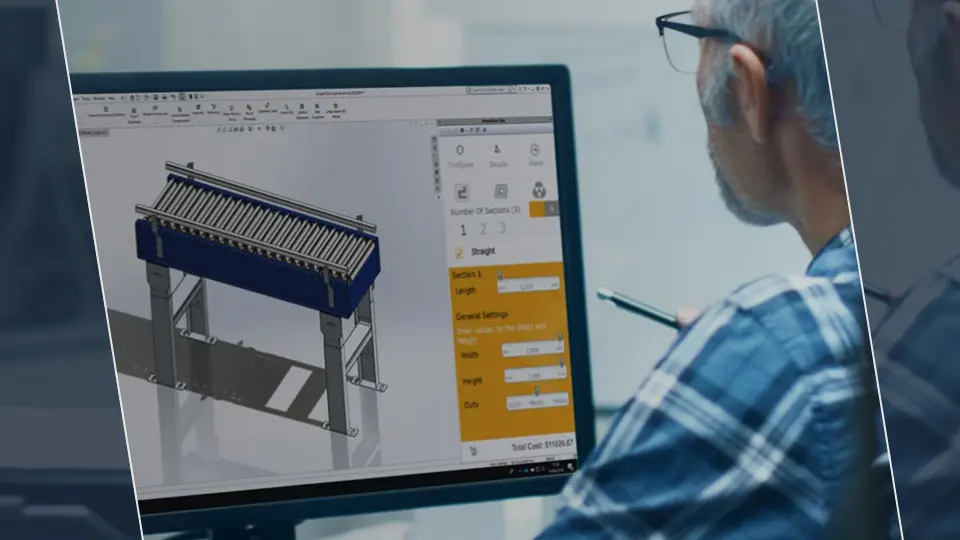
DriveWorks design automation enables:
This reduces the volume of manual CAD work, improves error rates, and significantly shortens design cycles.

DriveWorks uses rules-based design logic to automatically generate designs, removing the reliance on checklists and spreadsheets. This reduces the risk of human error and rework associated with inaccurate designs.
Consistency across design outputs is also guaranteed. DriveWorks rules-driven technology ensures that design standards are met at every stage of the process, maintaining design consistency and quality.
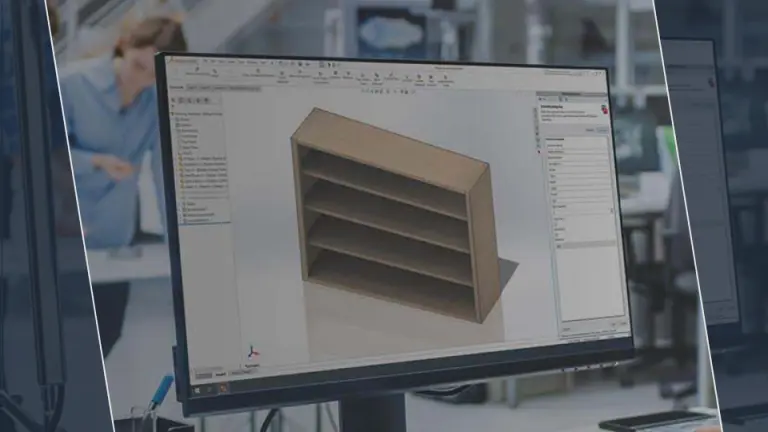
When engineering teams become overwhelmed by repetitive design requests, the result is bottlenecks that also impact sales, manufacturing, and operations.
DriveWorks removes these bottlenecks by simplifying and accelerating the design process. Automated workflows reduce dependency on manual intervention and enable teams to work together more efficiently.
To learn how DriveWorks can support your design process, explore DriveWorks with MECAD Systems.
Content adapted from the original blog post published by DriveWorks.
Share this post: