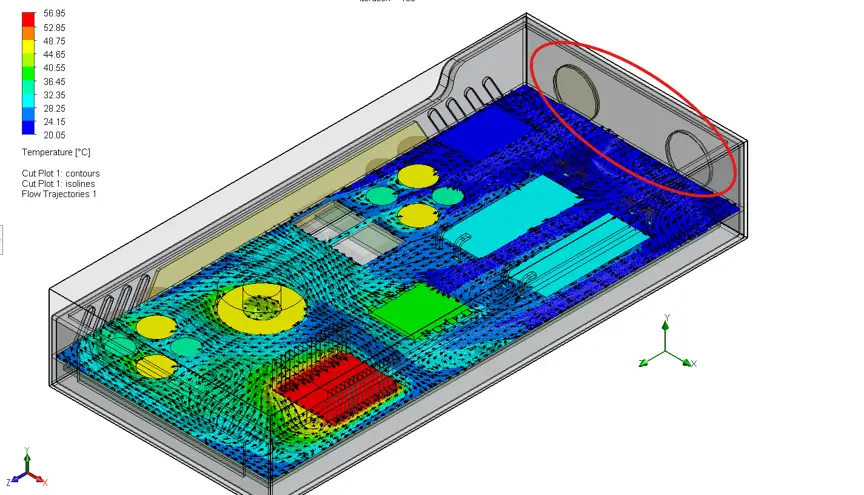
30-Second Summary Beyond Conduction Analysis Traditional FEA tools estimate cooling with assumed coefficients – SOLIDWORKS Flow Simulation calculates actual airflow behaviour using CFD. Small Changes, Big Impact Repositioning a fan, adding a PCB, or rerouting cables can dramatically alter thermal performance in ways only CFD can predict. Real-World Validation A liquid-cooled enclosure project let engineers […]
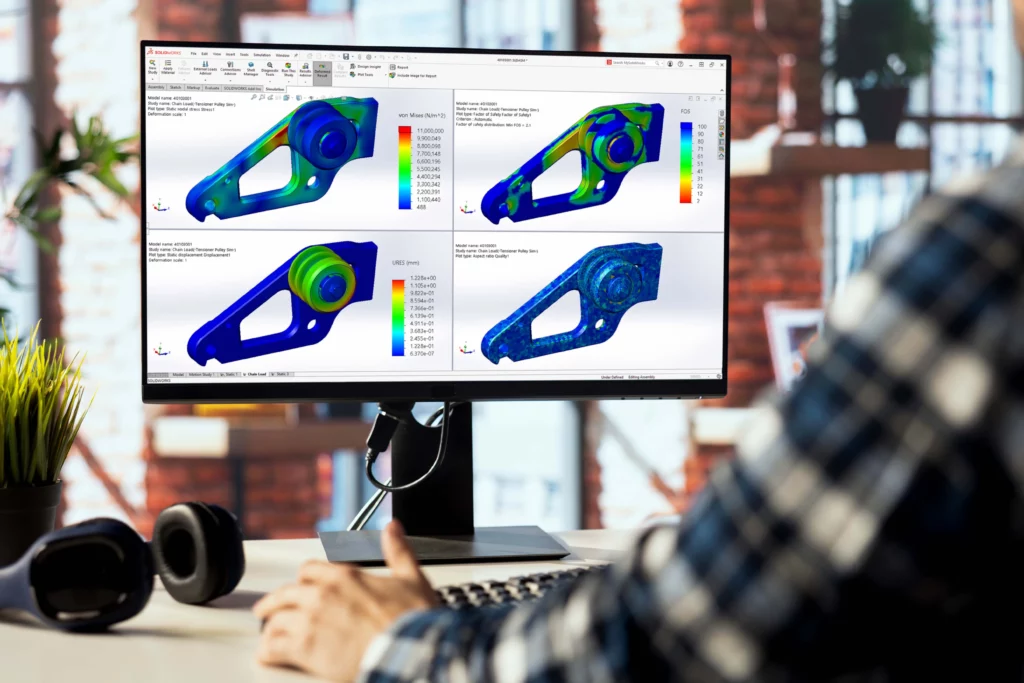
30-Second Summary Buckling is a stability failure, not a strength failure A member can sit below yield stress and still collapse suddenly – a static study with a passing factor of safety will not catch it. The Buckling Load Factor (BLF) is the metric A BLF below 1.0 means the structure is already at risk; […]

30-Second Summary Commands and aliases carry across LINE, PLINE, XREF, HATCH, TRIM and SCALE all work, and where DraftSight uses a different name (CLEAN instead of PURGE) the AutoCAD alias is still mapped. DWG is the native format Files open, save and round-trip without conversion – layers, blocks, external references and print styles (CTB/STB) all […]

30-Second Summary The Missing Middle South African manufacturers often have strong design tools but weak operational control between engineering and production, leading to delays and rework. Built on SOLIDWORKS PDM SOLIDWORKS Manage extends PDM Professional with project, process, item, and BOM management rather than replacing familiar tools. Five Control Pillars The platform covers file management, […]

30-Second Summary Official minimums vs. real-world needs SOLIDWORKS 2026 lists 16 GB RAM and a 3.3 GHz processor as minimums, but these won’t keep your team productive on anything beyond simple parts. RAM: 32 GB is the new baseline Assemblies over 5,000 components often benefit from 64 GB of RAM, particularly when large imported geometry, […]
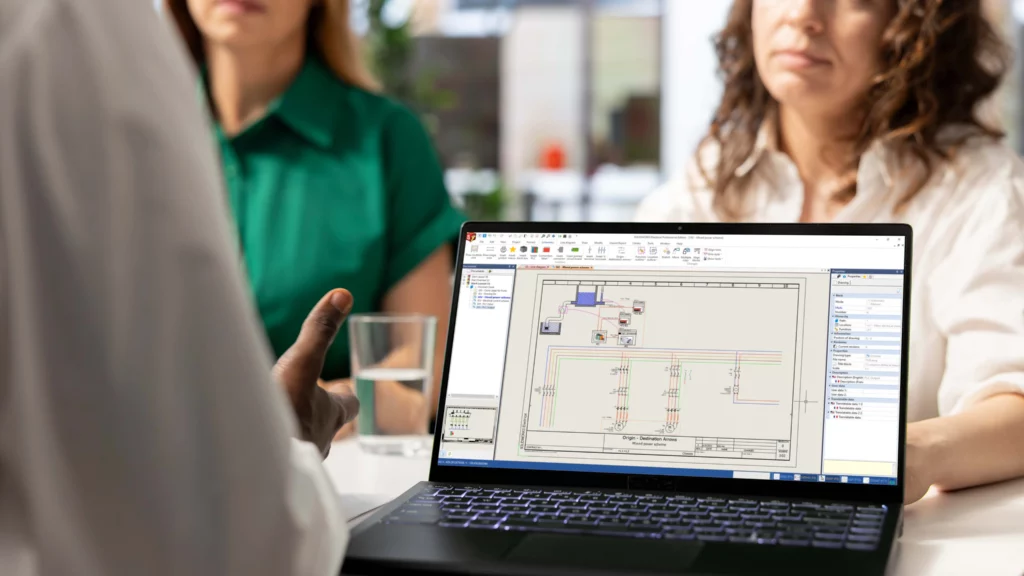
30-Second Summary Electrical design, connected SOLIDWORKS Electrical supports electrical schematics, project data and, where needed, links to the SOLIDWORKS 3D CAD environment. Three product routes SOLIDWORKS Electrical Schematic focuses on 2D schematic design, Electrical 3D supports 3D integration, and Electrical Professional combines both. Check the real need Teams should first decide whether they mainly need […]

30-Second Summary Start with the workflow Choose SOLIDWORKS based on what your users need to design, document, test, manufacture or manage. Compare the right areas Look at product fit, package level, licence route, user setup, support and training. Understand licensing MECAD offers SOLIDWORKS licence options, including SOLIDWORKS Term Licences and SOLIDWORKS Perpetual Licences. Choose MECAD […]

30-Second Summary Rules-Based Engineering Pre-defined engineering rules automate the design process and eliminate human error. Automated SOLIDWORKS Output Repetitive design tasks are handled automatically, ensuring consistent results every time. Guided Selling & Pricing Sales teams configure and quote custom products accurately, with only manufacturable options available. Streamlined Approvals Built-in workflows ensure the right teams approve […]
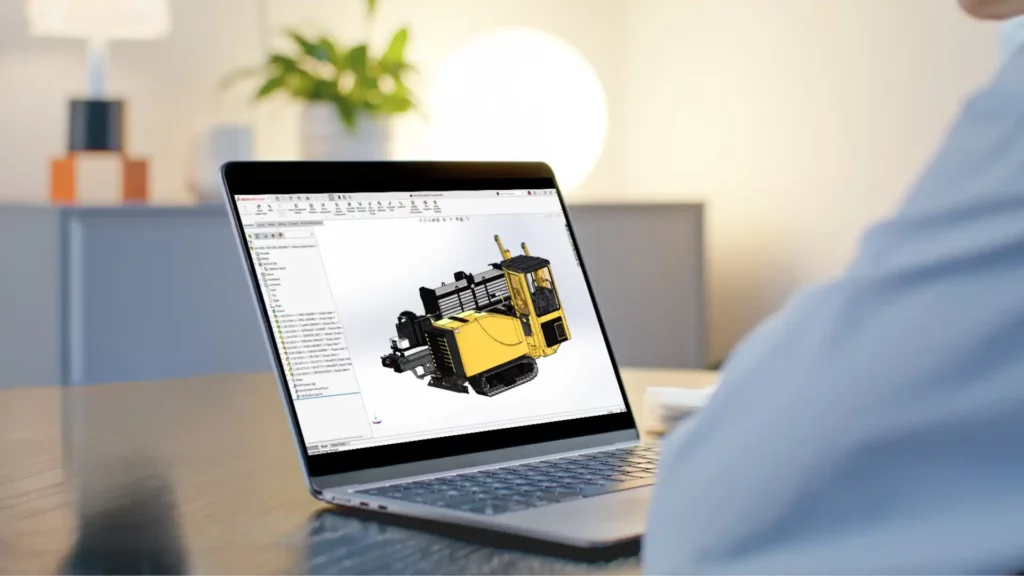
30-Second Summary Why Assembly Updates Matter SOLIDWORKS 2026 focuses on making assembly work faster, cleaner, and easier to manage, especially in larger and more complex projects. Pattern Assistant SOLIDWORKS 2026 introduces Pattern Assistant to guide users toward pattern-driven component patterns instead of creating repetitive individual mates. Better Large Assembly Workflows 3DEXPERIENCE users can search for […]
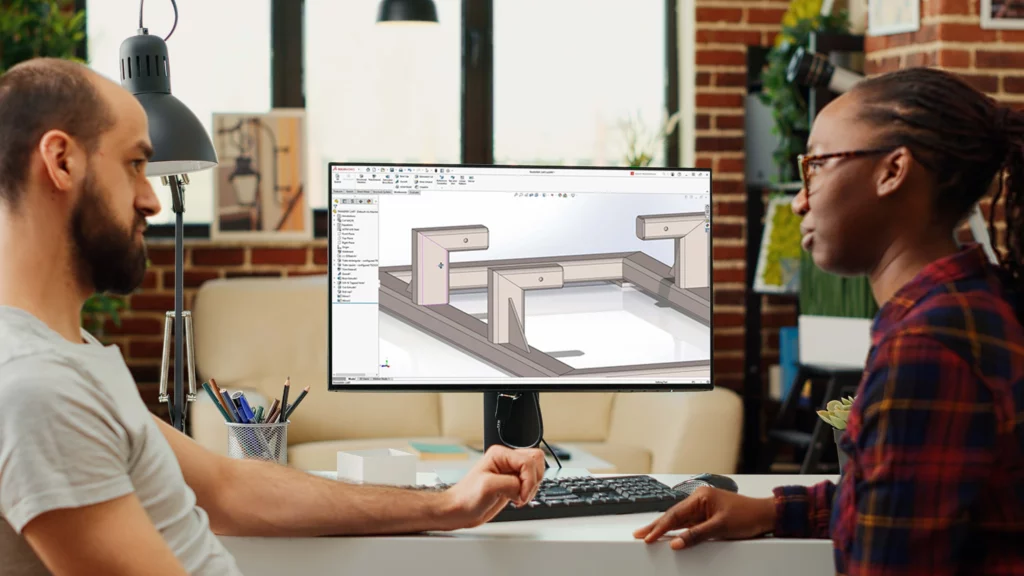
30-Second Summary Why These Updates Matter SOLIDWORKS 2026 improves the day-to-day modelling tools that users rely on most, making common design tasks faster and easier to manage. Faster Sketching and Part Setup SOLIDWORKS 2026 adds Picture to Sketch (Beta), slot length display from arc centre to arc centre, relation groups, reference points by XYZ values, […]
