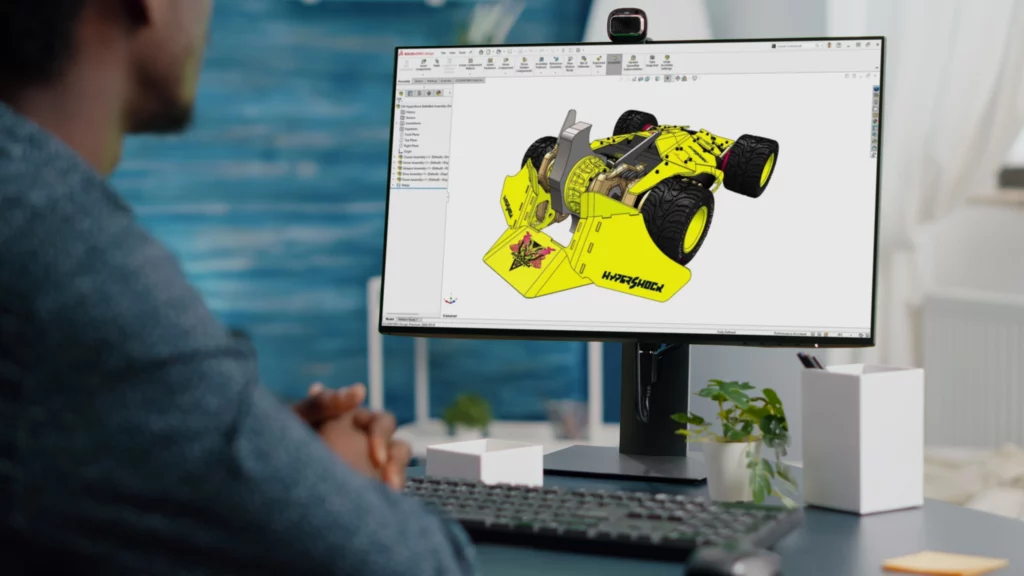
30-Second Summary Why Drawings Still Matter SOLIDWORKS drawings remain essential because they turn design work into clear production-ready information for manufacturing, review, and approval. Auto-Generate Drawings SOLIDWORKS 2026 introduces Auto-Generate Drawings (Beta) to reduce repetitive drawing setup and give users a stronger starting point for documentation. Smarter Drawing Setup Auto-Generate Drawings can include section views, […]

30-Second Summary Why Collaboration Needs to Change Engineering teams need more than file sharing. They need a structured way to review, revise, approve, and manage design information together. Cloud and CAD-Aware Storage Matter Modern collaboration works best when CAD files live in an environment that understands product data, not just generic file storage. Markup, Tasks, […]
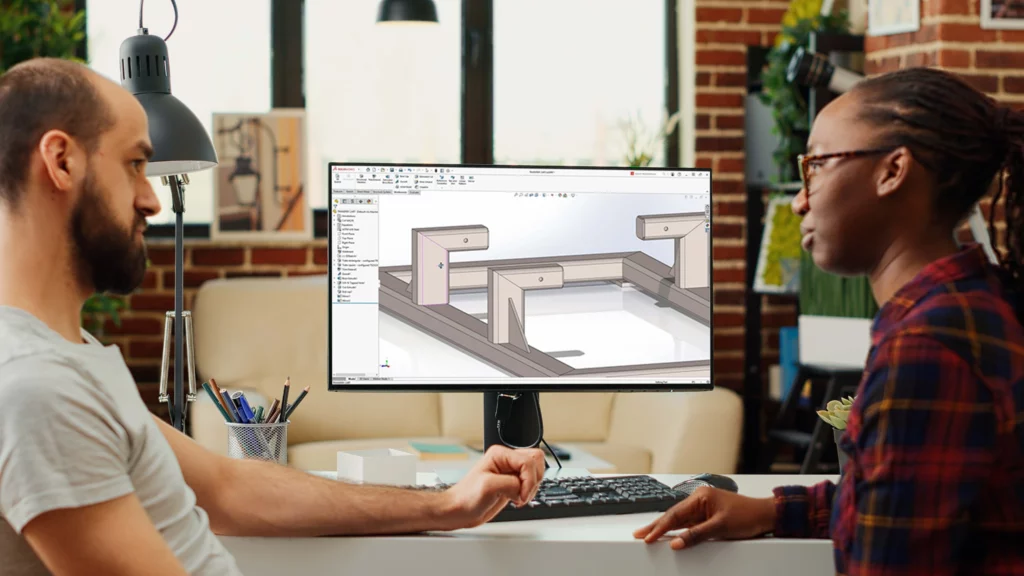
30-Second Summary Why Interoperability Matters SOLIDWORKS 2026 improves how teams import, manage, and share design data when working with suppliers, clients, and external systems. Better Import Workflows Faster import processing, background handling, and improved geometry recognition make imported files easier to work with. Stronger Multibody Control Better body and feature selection tools help users manage […]
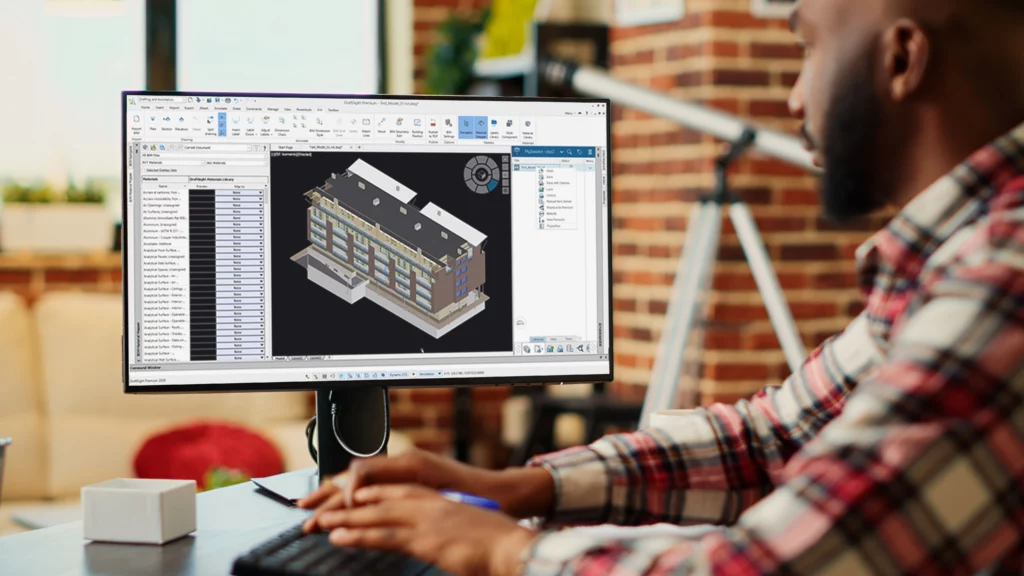
30-Second Summary Why DraftSight 2026 Matters DraftSight 2026 improves day-to-day drafting, publishing, and platform-connected workflows, making 2D design work faster and easier to manage. Better Drafting Tools New dimensioning controls, ribbon updates, and improved interface behaviour help users create and edit drawings more efficiently. Stronger Performance Faster file opening, smoother pan and zoom, and quicker […]
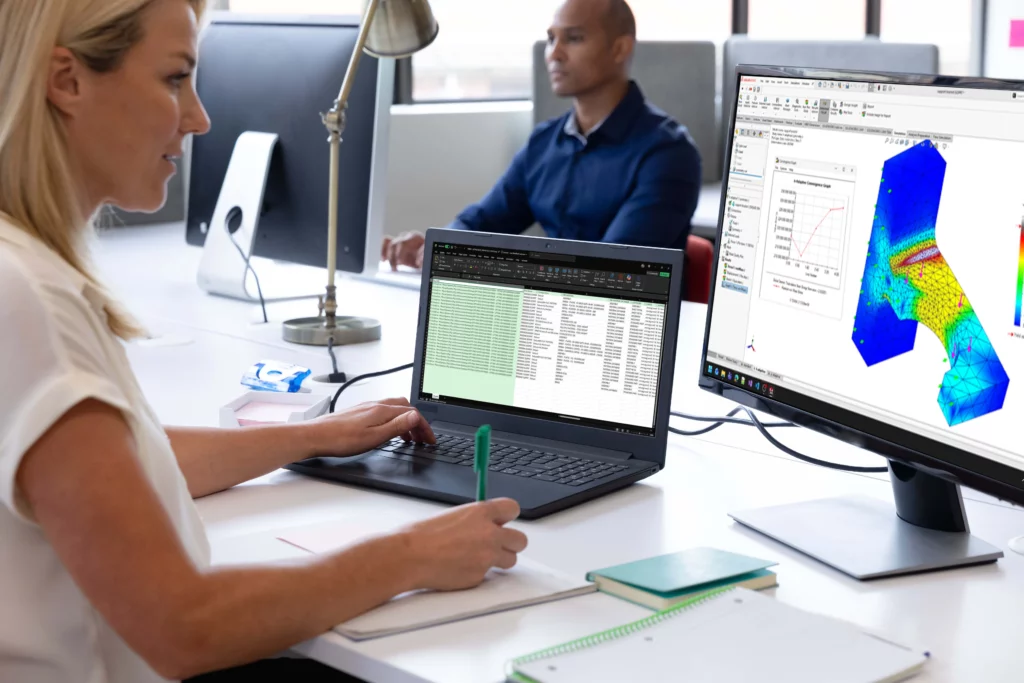
30-Second Summary Why This Matters SOLIDWORKS 2026 improves both engineering analysis and product visualisation, helping teams validate designs more confidently and present them more clearly. Stronger Simulation Tools The release adds updates such as applied forces on beams, buckling studies, cable connector improvements, remote mass support, and better accuracy for gravity and free body forces. […]
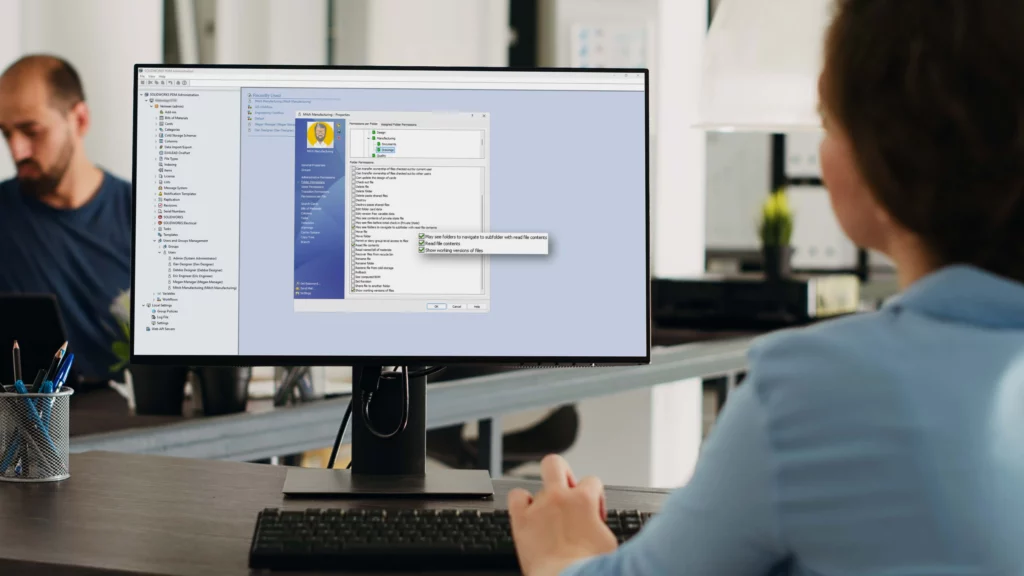
30-Second Summary Why Data Management Matters SOLIDWORKS 2026 improves how teams control files, approvals, revisions, and shared product data across day-to-day engineering work. Stronger Approval and Maturity Workflows New maturity routing, approval automation, and drawing stamping help teams track status changes more clearly and manage governance more consistently. Better Platform-Based File Control Excel design tables, […]
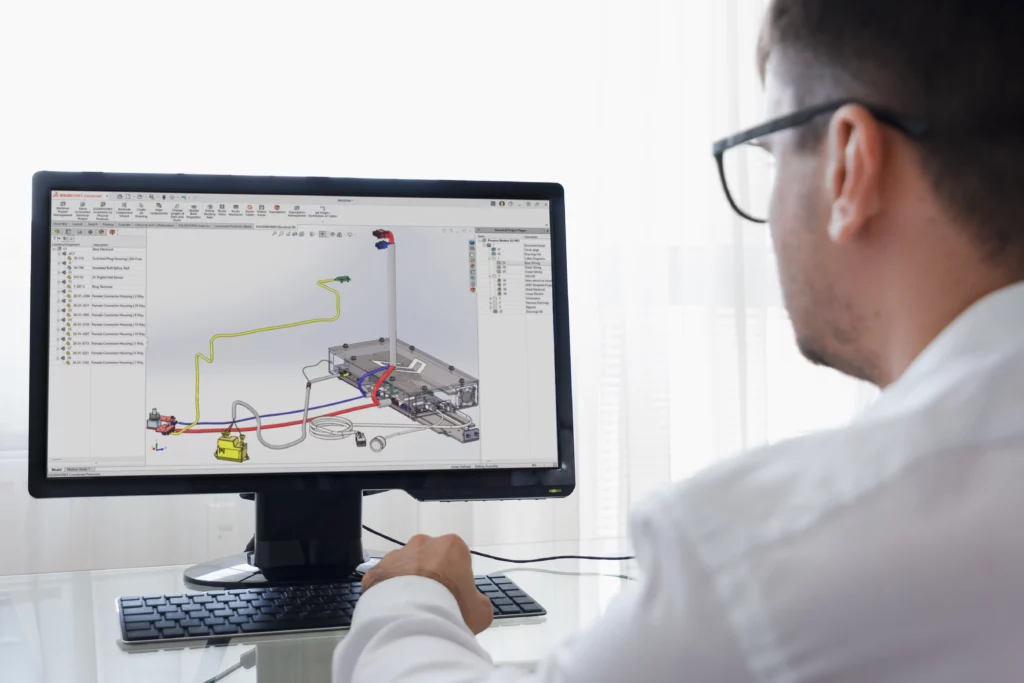
30-Second Summary Why This Matters SOLIDWORKS 2026 improves electrical, routing, and ECAD-MCAD workflows so teams can coordinate design information more clearly and with less manual effort. Better SOLIDWORKS Electrical Tools Updates to project management, terminal strip layout, cable handling, and content access help electrical design work move more smoothly. Smarter Routing Workflows SOLIDWORKS 2026 adds […]

30-Second Summary SOLIDWORKS AI Is Already Here SOLIDWORKS AI is not a separate tool. It is built into existing SOLIDWORKS workflows to help engineers automate, predict, repair, and speed up repetitive CAD tasks. Live Features Worth Using Features such as Command Predictor, Mate Replication, and BRep to Parametric Modelling are already available and can help […]
30-Second Summary Custom Design Bottlenecks Manufacturers producing configurable products often lose time on repetitive manual CAD tasks. DriveWorks Automation DriveWorks captures engineering rules and automates repeat design work inside SOLIDWORKS workflows. Knowledge Reuse Engineering knowledge can be saved, reused, and standardised across teams and product variations. Fewer Errors Rules-based automation reduces reliance on manual checks, […]
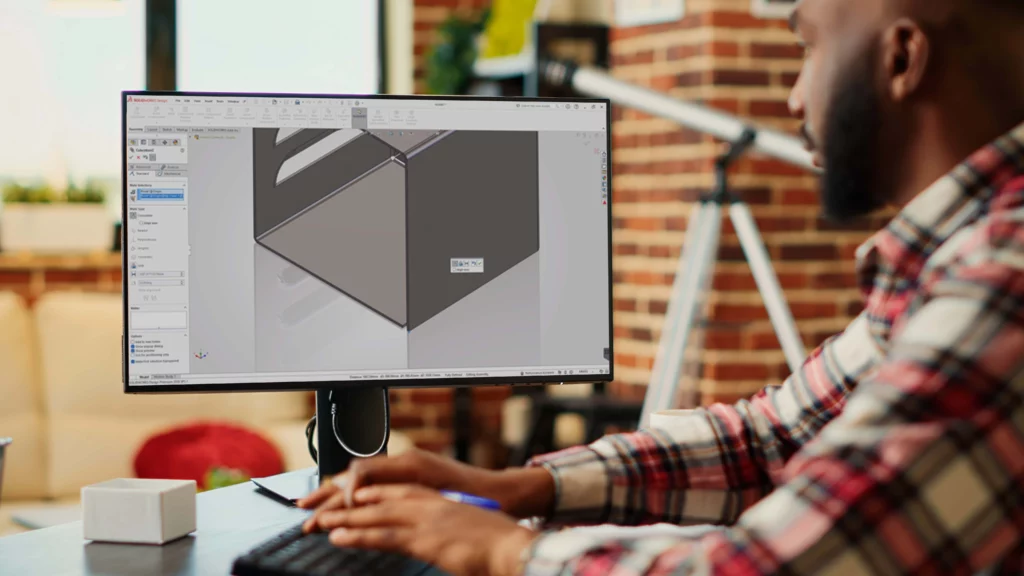
30-Second Summary Fix the First Component Start every SOLIDWORKS assembly by fixing the primary component to the origin to create a reliable reference point. Use Subassemblies Group related parts into logical subassemblies to reduce complexity, improve performance, and simplify the Bill of Materials. Replace Parts Correctly Use the Replace Components tool instead of deleting and […]
