B2B buyers want to configure products to their exact requirements, and manual processes struggle to keep up with the volume.
DriveWorks captures product rules and generates SOLIDWORKS models, drawings, and BOMs automatically, so engineers can focus on higher-value tasks.
Design and configuration rules allow only valid, manufacturable configurations, reducing incorrect dimensions, missing components, and pricing mistakes.
CPQ and 3D product configurators let sales teams, distributors, and customers configure products and receive accurate, branded quotes quickly.
Connecting configuration, design automation, quoting, and documentation shortens the time from enquiry to order and removes bottlenecks.
An increasing number of B2B buyers want custom products they can configure to meet their exact requirements. Their expectations are high, and they want to buy products with tailored specifications.
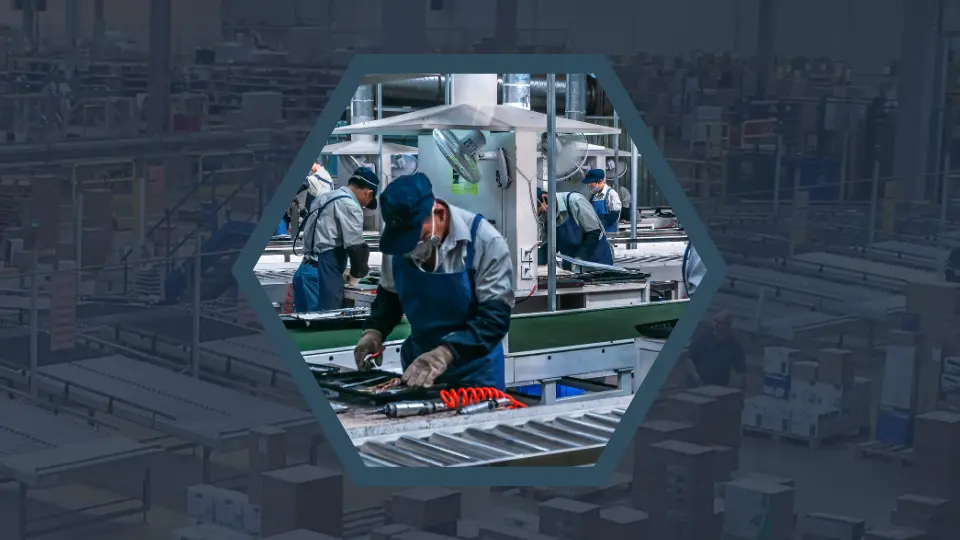
The good news is that the demand for customization is forecast to continue growing. However, for many custom product manufacturers, this presents a challenge. Traditional manufacturing processes are manual and struggle to cope with large volumes of custom product orders. Bottlenecks, errors, quoting delays, and quality control can become real issues.
This blog explores how DriveWorks enables manufacturers to deliver custom products at scale, without compromising accuracy, quality, or speed.
Meeting demand for customized products means being able to:
Manufacturers that rely on manual processes often struggle to keep up with growing customization requests, leading to slow quote turnaround times, errors, rework, and ultimately, lost sales.
Customers expect their B2B buying experience to match their B2C experience. That means configuring products that meet their unique requirements rather than choosing from a catalog of standard options.
The increase in demand for customized products can be seen across manufacturing industries, including:
As configuration complexity grows, manufacturers need processes that enable customization without increasing timelines or headcount.
One of the challenges in meeting the demand for custom products is that many processes rely heavily on engineering resources. Engineers spend significant time modifying existing designs, updating CAD models, creating BOMs, and helping sales colleagues with quote requests.
As order volumes increase, these tasks can quickly become bottlenecks.
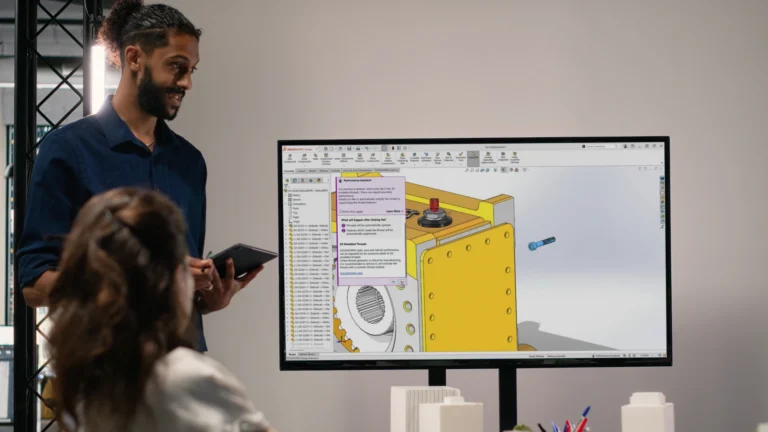
DriveWorks enables manufacturers to automate repetitive SOLIDWORKS® tasks. Instead of manually modifying CAD models, drawings, and manufacturing documentation for every order, engineers can capture product rules and automate the generation of designs and manufacturing information.
With DriveWorks, manufacturers can:

Many manufacturers find that increasing customization increases the risk of errors. Common issues include incorrect dimensions, missing components, and inaccurate pricing.
DriveWorks captures engineering and design rules to ensure every product configuration is manufacturable and follows approved quality standards. This reduces reliance on manual processes and helps to eliminate errors.
With DriveWorks, manufacturers can:

Manually creating drawings can take hours or even days for each custom order.
When engineering teams receive multiple drawing requests, backlogs build up quickly, and drawing creation becomes a major source of delays.
DriveWorks automates SOLIDWORKS drawing and manufacturing document creation for custom products.
With DriveWorks, manufacturers can automatically generate:

Customers want quotes quickly, and delays in the sales process can result in lost deals. Manual quoting processes often involve engineering reviews, spreadsheet calculations, and multiple approvals.
DriveWorks CPQ solution enables sales teams, distributors, and customers to configure products and generate accurate quotes using redefined pricing and product rules.
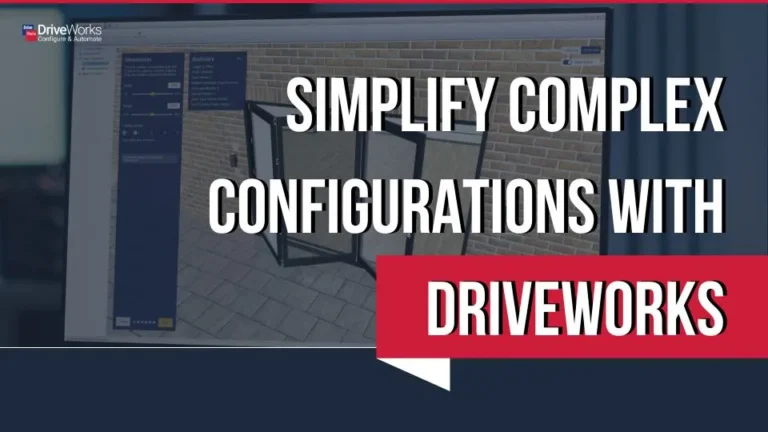
DriveWorks 3D product configurator solution enables users to configure and visualize custom products in 3D and to see changes to their options in real-time via a browser.
With DriveWorks, manufacturers can:

Reducing lead times is key to winning sales in a competitive marketplace. When design and quoting processes are manual, delays can occur at numerous points throughout the buying cycle.
DriveWorks connects product configuration, design automation, quoting, and document generation. This removes many of the delays that happen when teams use manual processes.
With DriveWorks, manufacturers can:
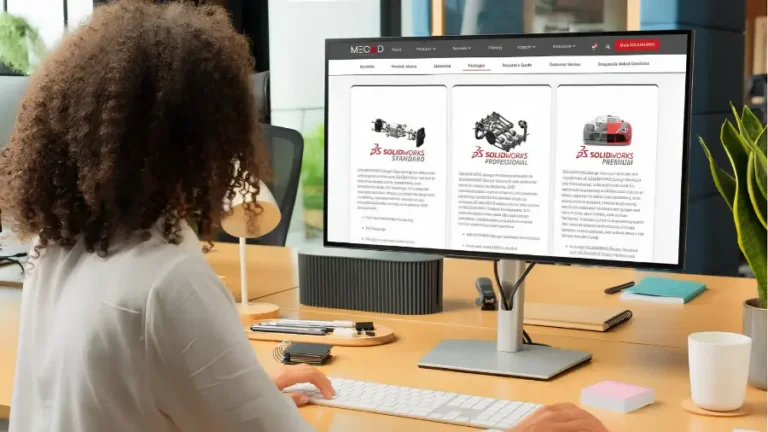
To learn how DriveWorks can support your design process, explore DriveWorks with MECAD Systems.
Content adapted from the original blog post published by DriveWorks.

MECAD Systems
Share this post: