
 Trusted by more than 7.5 million users
SOLIDWORKS is the industry-standard 3D CAD platform used by engineers, designers, and manufacturers worldwide to design, test, and refine innovative products with speed and precision.
Whether you are creating complex mechanical assemblies, validating performance with simulation, or preparing designs for manufacturing, SOLIDWORKS provides the tools to turn ideas into real-world solutions.
MECAD Systems is South Africa’s authorised SOLIDWORKS reseller, offering licensing, pricing, training, support, and expert guidance.
Limited to first-time SOLIDWORKS users – unlock 90 days of full 3D CAD access with guided training and expert support.
Exclusive offer from

SOLIDWORKS is a professional 3D CAD (Computer-Aided Design) software suite developed by Dassault Systèmes. It is globally recognised as one of the most powerful and user-friendly design platforms for engineers, product designers, and manufacturers.
From modelling complex mechanical assemblies to simulating real-world performance, SOLIDWORKS provides an integrated set of tools that cover every stage of product development – design, analysis, documentation, manufacturing preparation, and data management.
With millions of users worldwide, SOLIDWORKS is trusted across industries such as aerospace, industrial equipment, automotive, medical devices, consumer products, and manufacturing.
SOLIDWORKS is used by more than 7.5 million engineers, designers, and manufacturers worldwide to build everything from consumer products to industrial machinery and mission-critical components. Its intuitive interface, powerful feature set, and deeply integrated tools make it the leading choice for professional 3D design. Whether you are modelling your first concept or managing large-scale engineering projects, SOLIDWORKS delivers unmatched reliability, precision, and performance.

Design, simulate, and document 3D models with precision using the industry-standard SOLIDWORKS CAD environment.

Run structural, thermal, and motion analyses to test real-world performance before manufacturing.
SOLIDWORKS 3D CAD is the core of the SOLIDWORKS suite, offering tools to create detailed 3D models for complex geometries and assemblies. It integrates seamlessly with other SOLIDWORKS products, streamlining the entire design process from concept to production.
SOLIDWORKS Simulation tests and validates designs under real-world conditions, reducing the need for prototypes. It ensures products perform reliably, enhancing safety and design efficiency.

SOLIDWORKS Plastics helps designers predict plastic flow during injection molding, reducing defects, waste, and cycle times, and ensuring high-quality components.

SOLIDWORKS Flow Simulation enables fluid flow and heat transfer analysis, optimising designs for real-world performance and compliance with industry standards.

SOLIDWORKS Electrical integrates electrical schematics with mechanical design, ensuring seamless collaboration and reducing errors in complex projects.

SOLIDWORKS CAM automates CNC programming directly within the SOLIDWORKS environment, ensuring designs are manufacturable, improving efficiency, and reducing lead times.

SOLIDWORKS Inspection automates the creation of inspection documents, streamlining quality control and ensuring parts meet specifications.
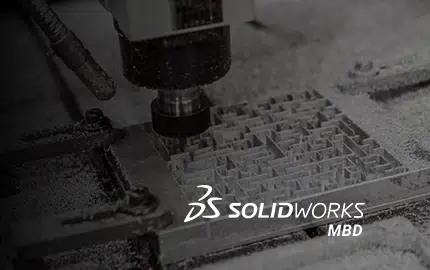
SOLIDWORKS MBD embeds 3D annotations directly within models, eliminating 2D drawings and streamlining manufacturing communication.

SOLIDWORKS PDM securely manages design data, ensuring teams work with the latest files, improving collaboration, and reducing errors.

SOLIDWORKS Visualize creates photorealistic images and animations, helping communicate design concepts effectively for marketing and reviews.

SOLIDWORKS Composer creates technical documentation from 3D CAD data, producing accurate visuals and interactive content, streamlining the documentation process.

SOLIDWORKS revolutionises aerospace and defense by providing tools for designing advanced aircraft and defense systems.
Its simulation capabilities allow engineers to test performance under extreme conditions, ensuring designs meet strict safety and compliance standards.
The software also facilitates collaboration between multidisciplinary teams, enhancing the development process from initial concept to full-scale production.

SOLIDWORKS supports the AEC industry by offering robust modeling tools that enable precise design and efficient project management.
It helps architects and engineers create detailed 3D models, improving communication and collaboration among stakeholders.
Additionally, it enhances construction planning by allowing for accurate material estimation and reducing the likelihood of costly errors during the building process.

In the agricultural sector, SOLIDWORKS enables engineers to design innovative and durable farming machinery.
The software’s advanced simulation tools ensure that equipment can endure harsh environmental conditions and heavy use.
By enabling precise modeling and testing, it helps manufacturers produce reliable machinery that increases farming efficiency and minimises maintenance costs, ultimately contributing to greater agricultural productivity.
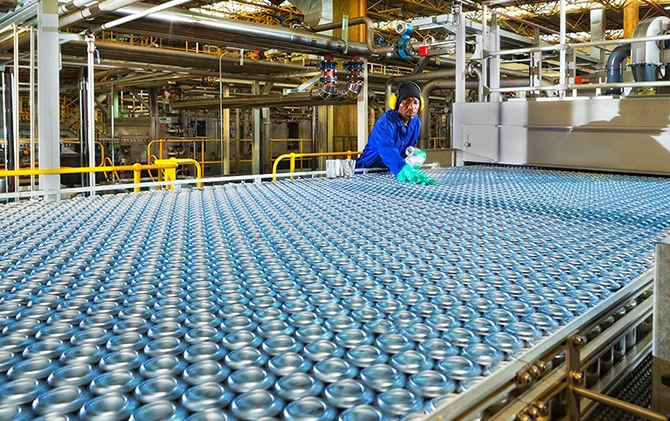
SOLIDWORKS enhances the design of consumer-packaged goods by enabling the creation of innovative, functional, and aesthetically appealing products.
Its tools streamline the packaging design process, ensuring that products are not only visually striking but also optimised for manufacturing and distribution.
By simulating real-world usage, it helps designers refine product features, leading to higher consumer satisfaction and brand loyalty.

SOLIDWORKS is instrumental in the high-tech electronics industry, offering precise tools for designing complex electronic devices.
Engineers can create detailed PCB layouts, integrate components, and simulate thermal and electrical performance.
This ensures that electronics meet high-performance standards and are ready for market.
The software also supports rapid prototyping, allowing for quick iterations and innovation in the fast-paced electronics sector.
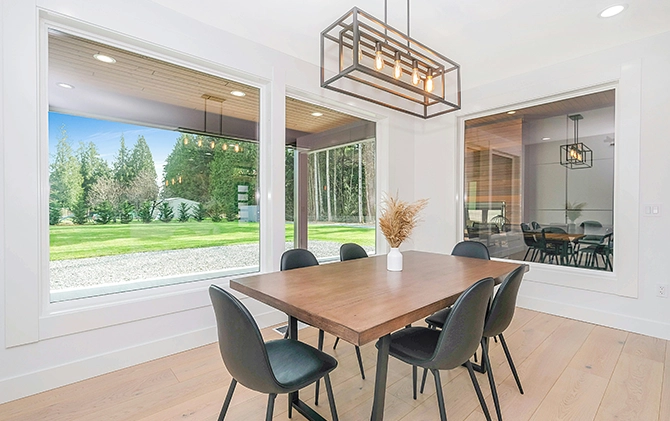
For the home and lifestyle industry, SOLIDWORKS provides tools that enable designers to create products that blend functionality with aesthetics.
Whether designing furniture, kitchen appliances, or home decor, it ensures that products are both practical and visually appealing.
The software allows for the testing of materials and ergonomics, ensuring that the final products enhance everyday living while meeting consumer expectations.

SOLIDWORKS is critical in the design of industrial equipment, offering tools that enable the creation of machinery capable of performing reliably in demanding environments.
Its advanced simulation capabilities allow for the testing of mechanical systems under real-world conditions, ensuring durability and efficiency.
The software also facilitates the integration of complex systems, enhancing the overall performance and productivity of industrial equipment.

In large-scale infrastructure projects, SOLIDWORKS provides tools for precise design and efficient resource management.
Engineers can model complex structures, ensuring that materials are used optimally and construction processes are streamlined.
The software’s simulation capabilities also help in predicting and mitigating potential challenges, ensuring that infrastructure projects are completed on time, within budget, and to the highest safety standards.

SOLIDWORKS plays a crucial role in the life sciences and healthcare sectors, offering advanced tools for designing medical technology and medical devices that must comply with strict regulatory standards.
The platform enables precise modelling, testing and simulation of complex biological interactions, helping teams verify safety, accuracy and real-world performance.
It also drives innovation across MedTech by supporting the development of cutting-edge solutions that improve patient outcomes, streamline clinical workflows and contribute to ongoing medical research.

For the marine and offshore industries, SOLIDWORKS provides specialised tools for designing vessels and offshore structures.
Engineers can simulate ocean conditions and assess the durability of materials, ensuring that designs are optimised for safety and performance.
The software also supports the integration of complex marine systems, helping to enhance the operational efficiency and sustainability of marine and offshore projects.

In the mould, tool, and dye industry, SOLIDWORKS offers precision tools for designing and manufacturing high-quality moulds and dies.
The software’s advanced modeling capabilities ensure that designs are accurate and optimised for production, reducing waste and improving efficiency.
It also allows for the simulation of the manufacturing process, helping to identify potential issues before they arise.
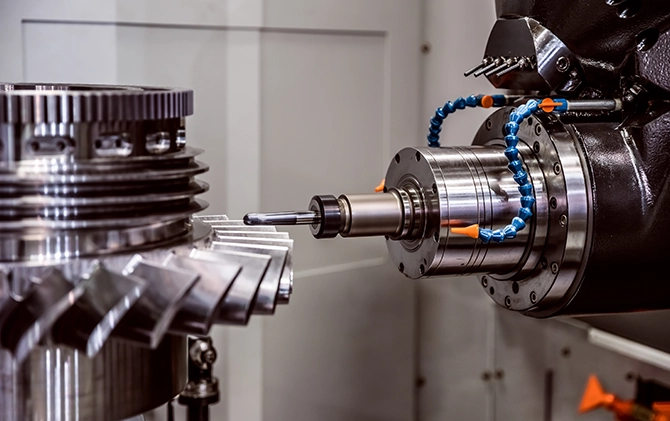
SOLIDWORKS is essential in precision engineering, offering tools that enable the creation of components with micron-level accuracy.
Its robust simulation and analysis features ensure that designs meet exact specifications, critical for industries where precision is paramount.
The software also facilitates the integration of these components into larger systems, ensuring that they perform reliably in demanding applications.

Enhances the design and manufacturing of sheet metal parts with specialised tools that streamline the entire process.
From flat pattern creation to complex bend analysis, the software ensures accuracy and efficiency.
SOLIDWORKS also allows for the simulation of fabrication processes, reducing material waste and improving the overall quality of sheet metal products.

Supports the transportation industry by enabling the design of innovative, safer, and more efficient vehicles.
Its tools allow engineers to optimise vehicle designs for performance, safety, and sustainability.
SOLIDWORKS also facilitates the integration of advanced technologies, such as electric powertrains and autonomous systems, helping to shape the future of transportation and mobility.

This package offers core 3D design capabilities, making it ideal for designers and engineers who require powerful modeling tools, assembly creation, and access to a comprehensive library of components.
It’s the perfect entry point for professionals looking to enhance their design processes with reliable, industry-standard software that integrates seamlessly into their existing workflows.

Building on the Standard package, this package includes advanced features such as photo-realistic rendering, automated cost estimation, and integrated file management.
It is designed for professionals who need more than just basic CAD capabilities, offering tools that streamline the design-to-manufacturing process and help ensure that projects are delivered on time and within budget.
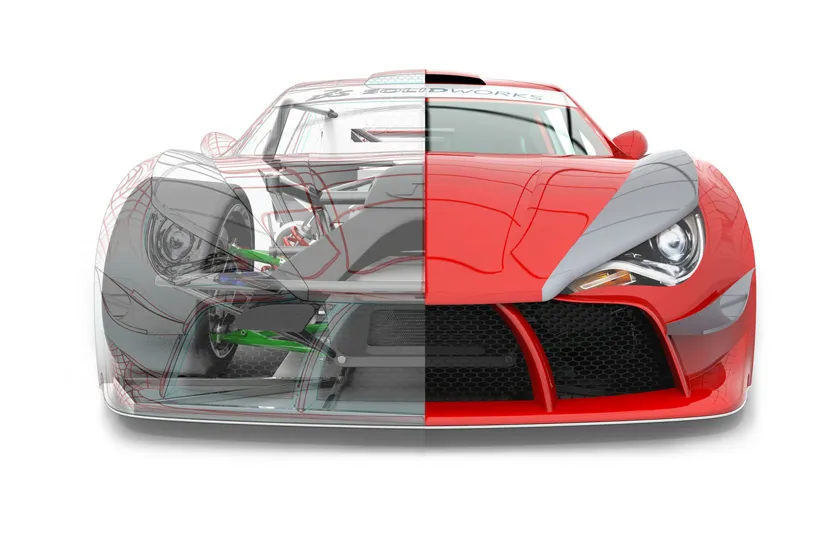
This package is the ultimate solution for engineers and designers, encompassing all the features of the Professional package, plus advanced simulation, motion analysis, and other high-level tools.
It’s tailored for complex projects where precision, performance, and innovation are critical. This package empowers users to push the boundaries of design and engineering, making it the top choice for industry leaders.
Unlock the full potential of SOLIDWORKS with the right licensing option for your business. Explore flexible plans tailored to your design needs and start creating with confidence.
Contact us today to request a quote, schedule a demo, or speak with one of our experts. Our team is here to help you explore how SOLIDWORKS can transform your design and manufacturing processes, driving innovation and success in your business.