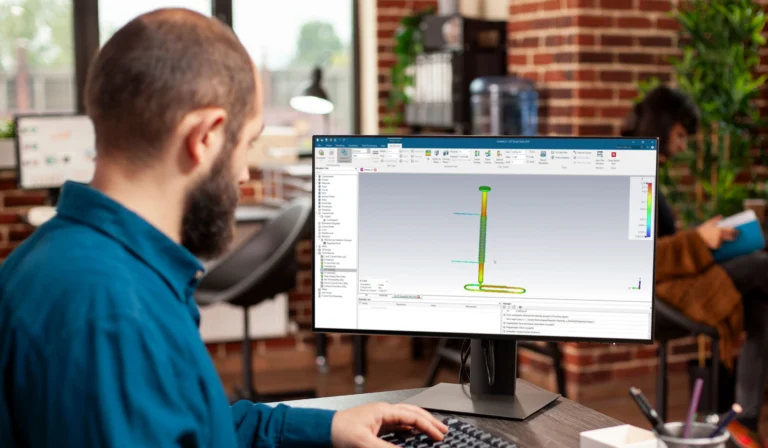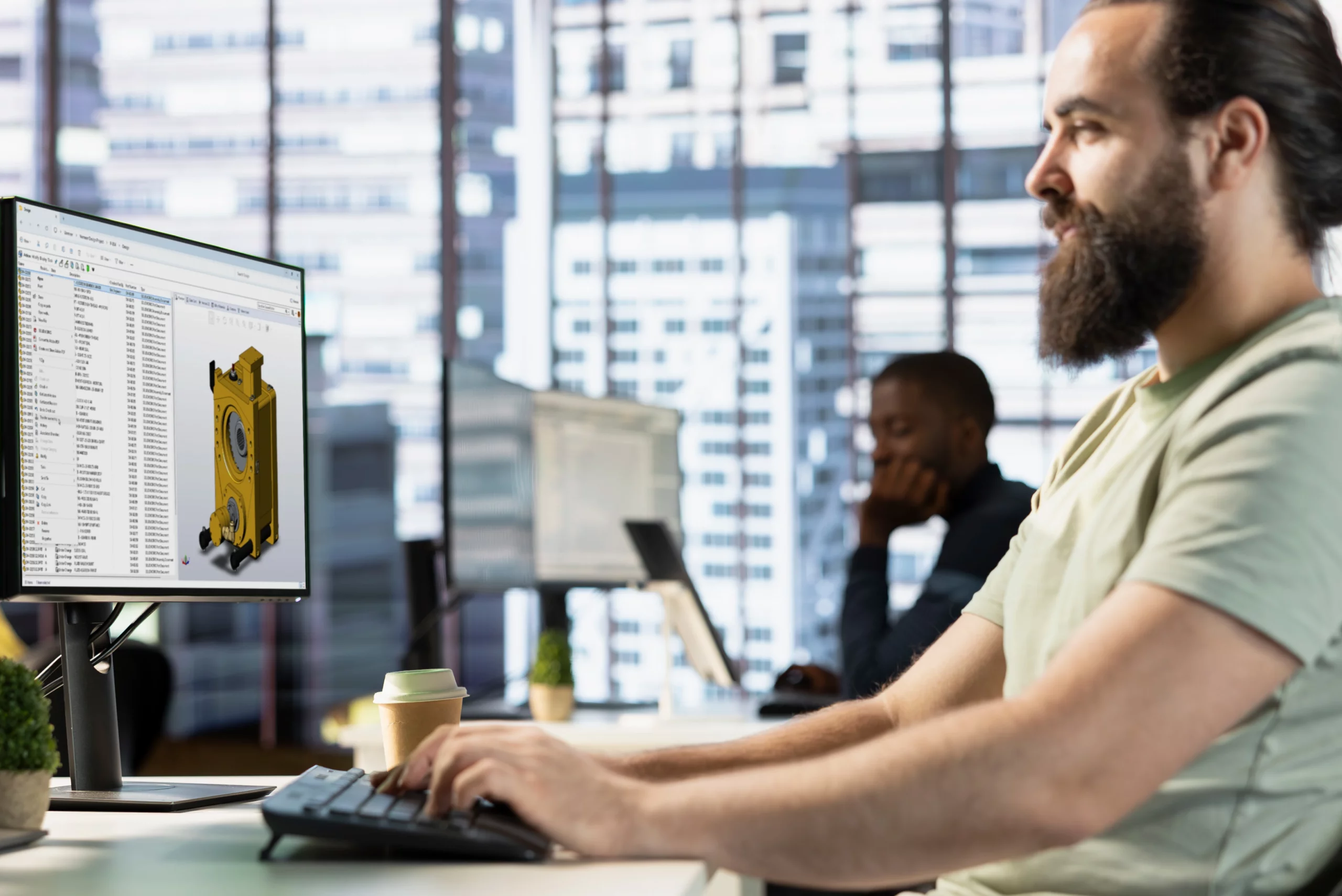
Engineering teams need more than file sharing. They need a structured way to review, revise, approve, and manage design information together.
Modern collaboration works best when CAD files live in an environment that understands product data, not just generic file storage.
Clear markup, linked task management, and controlled revision handling help teams reduce confusion and keep everyone aligned.
Review routes and change processes work better when they are built into the workflow instead of being handled informally.
A connected collaboration environment helps businesses grow without losing control over files, decisions, and design history.
Better collaboration leads to fewer delays, stronger traceability, and a more reliable engineering process from concept to release.

MECAD Systems
Design collaboration has changed. Engineering teams are working across departments, locations, suppliers, customers, and different levels of technical responsibility more often than ever before. In that kind of environment, simply passing CAD files around is no longer enough. A business may have strong designers and capable tools, but if file access is messy, approvals are unclear, comments are disconnected from the model, or change history is difficult to trace, the workflow can still become slow and unreliable.
That is why design collaboration needs a more structured approach. SOLIDWORKS 2026 supports a more connected way of working, where design files, conversations, tasks, approvals, and revisions are managed as part of the same broader process. The goal is not only to help people share files more easily. The goal is to help teams make better decisions, reduce duplication, and keep product information aligned as work moves from one stage to the next.
For experienced engineering teams, that means stronger control and better visibility. For growing teams, it means building a collaboration environment that can scale without creating more confusion.
Many businesses still rely on familiar methods for collaboration. Files are emailed back and forth. Comments are made in screenshots or separate documents. Review decisions happen in meetings, and then someone has to remember what changed and which file is the correct one. That approach may work for a short time, but it becomes increasingly fragile as projects become larger and more people get involved.
The problem is not only inconvenience. The bigger risk is that important information becomes disconnected from the design itself. A file may be updated without everyone knowing. A comment may be made on an outdated version. An approval may happen verbally without a clear record. Over time, this makes the workflow harder to trust.
That is why modern collaboration should not be built around loose file sharing alone. It should be built around a connected system that keeps files, comments, revisions, approvals, and responsibilities tied together more clearly.
One of the most important principles in modern design collaboration is where the files live and how they are managed. Generic cloud storage may be convenient for simple document sharing, but CAD workflows are more demanding than ordinary file workflows. Engineering files often contain references, dependencies, configurations, linked documents, and revision history that need to stay intact.
That is why CAD-aware cloud storage, such as the 3DEXPERIENCE Platform, is such an important best practice. A stronger collaboration environment should support the logic of engineering data, not just the movement of files from one folder to another. When product information lives in a structured environment, teams gain clearer access, better consistency, and less risk of broken references or duplicate versions.
This matters because collaboration only works well when people are working from the right information. If the storage environment does not support that, the rest of the workflow becomes harder to manage.
Review is one of the most important parts of engineering collaboration, but it often becomes fragmented. Comments are added in emails, screenshots, PDF markups, or meeting notes, and then someone has to connect those comments back to the actual design. That creates unnecessary effort and increases the chance that something important will be missed.
A better approach is to keep markup and review tied more closely to the design environment itself. Markups and reviews can be handled within the 3DEXPERIENCE Platform using the 3DMarkup app, while teams using PDM can also manage review workflows through integrated eDrawings. When users can comment, review, and discuss with better context, collaboration becomes clearer and more useful.
This is especially important in design reviews, customer feedback loops, and internal approval cycles. The more directly the review process is connected to the design information, the easier it becomes to keep everyone aligned.
Engineering teams do not only need a place to share files. They also need a place to discuss decisions, raise questions, and keep important context attached to the work. One of the biggest collaboration mistakes businesses make is allowing important conversations to disappear into chat threads, email chains, or meeting memory.
A stronger collaboration environment turns those conversations into something more visible and more useful. Instead of treating design discussion as an informal side activity, teams should treat it as part of the engineering record. That does not mean every conversation must be formal. It means important design context should remain connected to the project so that others can follow it later.
This improves team continuity, reduces repeated questions, and helps new stakeholders understand why certain decisions were made.
Revision control is one of the most critical areas in design collaboration. If different people are working from different versions of a design, the whole process becomes unstable. Mistakes in revision handling can affect manufacturing, procurement, quality, and customer communication.
That is why revision management should be as structured and automated as possible. Teams should not depend on memory, file name guesswork, or informal rules to manage version history. A stronger workflow makes revision status visible, maintains design history clearly, and helps users move forward without losing track of what changed and when.
This becomes even more important as a business grows. A small team may be able to manage revision decisions informally for a while, but a larger team needs a system that reduces ambiguity and supports clear version control from the start.
Task management often becomes disconnected from CAD work. A designer receives a request in one place, the design file lives somewhere else, and the review notes sit in another tool entirely. That kind of separation slows teams down because users spend extra time trying to reconnect the task to the actual work.
A better approach is to link tasks more closely to the design context. The Collaborative Tasks app within the 3DEXPERIENCE Platform allows users to create tasks with relevant CAD files attached and assign them to the relevant people. When users can see what needs to be done, who is responsible, and how that task relates to the current state of the design, execution becomes much clearer.
This is not only useful for managers. It also helps designers and reviewers move through work more confidently because the expectations and context are easier to understand. In collaborative engineering, clarity around responsibility is just as important as access to the file itself.
Approvals are often a weak point in engineering collaboration. In some businesses, design approval still depends on someone remembering who should sign off, when the next step should happen, or whether the final file has actually been reviewed. That works until the project becomes too busy, too complex, or too dependent on informal habits.
A stronger collaboration environment builds approval steps into the workflow itself. That means review routes are clearer, sign-off expectations are easier to track, and the business has a better record of how decisions were made.
This is especially valuable in environments where quality control, formal release stages, or cross-department approval matters. The goal is not to add bureaucracy. The goal is to make important review decisions more visible and more dependable.
Change management is often misunderstood as something that happens only after a problem appears. In reality, strong change management should be part of the collaboration model from the beginning. Teams should be able to identify what changed, understand why it changed, and see how that change affects the broader project.
When change processes are unclear, teams lose time. People may continue working on outdated assumptions, repeat effort unnecessarily, or miss the downstream effect of a design update. A better workflow keeps change visibility high and makes it easier for stakeholders to respond appropriately.
This matters because engineering projects rarely stay fixed. Designs evolve, priorities shift, and customer requirements can change. The collaboration environment should support that reality instead of becoming more fragile every time an update happens.
Not every design discussion happens at a desk inside a full CAD session. Managers, clients, suppliers, and decision-makers may need to review information on different devices or in different contexts. That is why flexibility matters.
However, flexibility should not come at the cost of control. Teams still need a way to review, comment, and share information without losing traceability or creating disconnected versions. A good collaboration workflow supports review in more places and by more stakeholders while still keeping the design record organised.
eDrawings Viewer can be downloaded for free on mobile devices, making it easier for stakeholders to view CAD models without needing a full CAD installation. Files can also be shared through the 3DDrive app within the 3DEXPERIENCE Platform to external partners who do not have platform access for review.
This is especially helpful in businesses with remote teams, travelling decision-makers, or external partners who need to stay involved without working inside the same detailed CAD environment every day.
A collaboration process that works for a small team may break down as soon as the business becomes busier. More users, more files, more review steps, and more customers all put pressure on the workflow. That is why scalability should be part of the collaboration strategy from the start.
A scalable collaboration environment helps a business grow without losing visibility, control, or confidence in the design process. Files stay easier to find, approvals stay easier to track, and design history remains clearer even as more people become involved.
This matters because growth often exposes weaknesses that were already present. A stronger collaboration model helps prevent those weaknesses from turning into operational problems later.
The strongest collaboration environments do not treat files, people, and process as separate things. They connect them. The design file is tied to the task. The task is tied to the review. The review is tied to the approval. The approval is tied to the revision and release status.
That kind of connected workflow creates clarity. Instead of chasing information through different tools and disconnected conversations, teams can work in a more structured and more reliable way. This does not only make collaboration easier. It also helps businesses build a stronger engineering process overall.
That is where the long-term value appears. Good collaboration is not only about convenience. It is about making the full design lifecycle more manageable from concept through to approval and release.
SOLIDWORKS 2026 supports this broader approach to collaboration by bringing more structure, visibility, and connectivity into the design workflow. Shared environments, better review context, approval routing, stronger data visibility, and more connected design communication all help support the kind of best practices described above.
That means businesses are not limited to basic file handling anymore. They can build a workflow where collaboration becomes part of the design process rather than an extra layer added afterwards. For engineering teams, that can improve speed, reduce confusion, and make the overall process easier to trust.
For managers and technical leaders, it also creates a stronger foundation for scaling the business without losing control of design information.
Good design collaboration depends on more than access to files. It depends on how files, comments, revisions, tasks, approvals, and change history all work together. That is why the strongest collaboration strategies focus on structure as much as speed.
SOLIDWORKS 2026 supports a more connected collaboration model by making it easier to manage design information in context, improve visibility across the workflow, and reduce the friction that usually appears between teams, stages, and decisions.
If your business is trying to improve design reviews, revision control, approval visibility, or long-term collaboration scalability, now is the right time to look at how your current workflow operates and where a more connected SOLIDWORKS collaboration environment could improve it.
Share this post: